Speaking is faster than typing, but AI tools don’t let you speak to them, which is annoying. The gap between how fast I think and type is the problem I wanted to solve in this experiment.
AI tools benefit a lot by having a good idea of what you want them to do. However typing out the things you have in mind into the prompt window takes quite a while. I was annoyed by the fact that AI chat interfaces such as Claude and ChatGPT did not have any, let alone decent voice transcription built in.
As you already know I value my privacy a lot so I needed something that could:
- Capture audio (shortcut / hotkey)
- Transcribe locally (Whisper / Parakeet)
- Insert result into active text field
First I tried figuring out what earlier licenses I had already bought in the past. Because transcribing via Whisper is not new to me.
I found that I had a lifetime account for Whisper Transcription. Opening the app however I was disappointed seeing it was only able to do (batch) transcribing of full audio files.
So I moved on to Superwhisper and tried it out by dictating the next part of the post.
This suited my needs better. A tool that is able to just transcribe when you push a button. During onboarding it downloaded the Parakeet model from Nvidia.
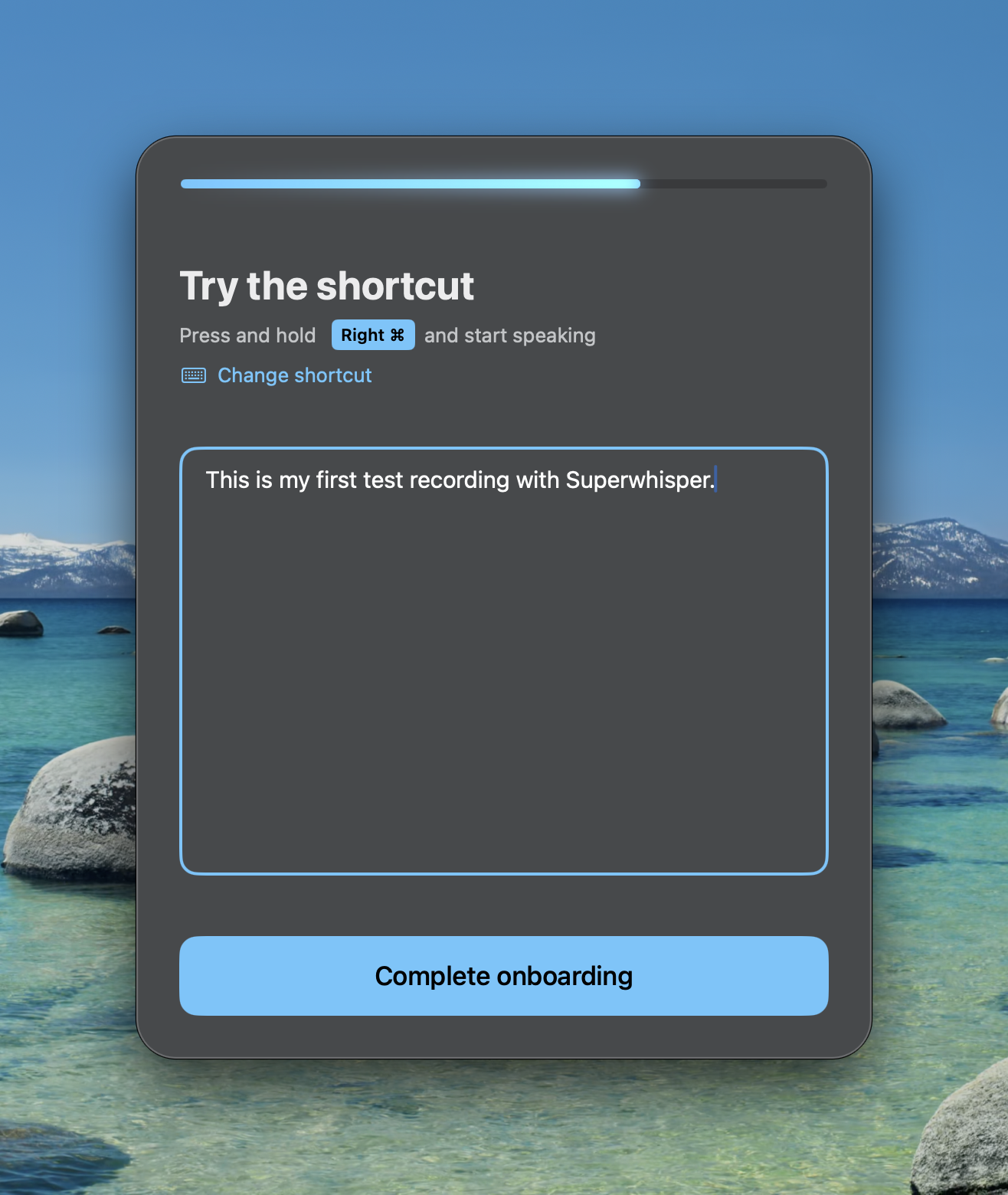
So I disabled my Wifi connection to see if it worked locally. And then I just started to talk: “It it seems to be working very well. So let’s try to figure if this is going to be working for me while dictating this text.”
Wow, cool, the text above just appeared in my Sublime Text editor. I was impressed by the quality of the transcription. No “ehh’s” shown that I did mumble.
As long as it doesn’t need a lot of additional checking to make it work correctly this is a game changer.
The problem with this app though might be its costs. As you have to pay a monthly subscription fee which might add up. So I figured to check if there were free options available.
I then stumbled on the VoiceInk app which is doing a similar thing, but has an open source version.
It was a little less polished, but it was open source, which is always a big plus for me. So I downloaded it and tried using it as well.
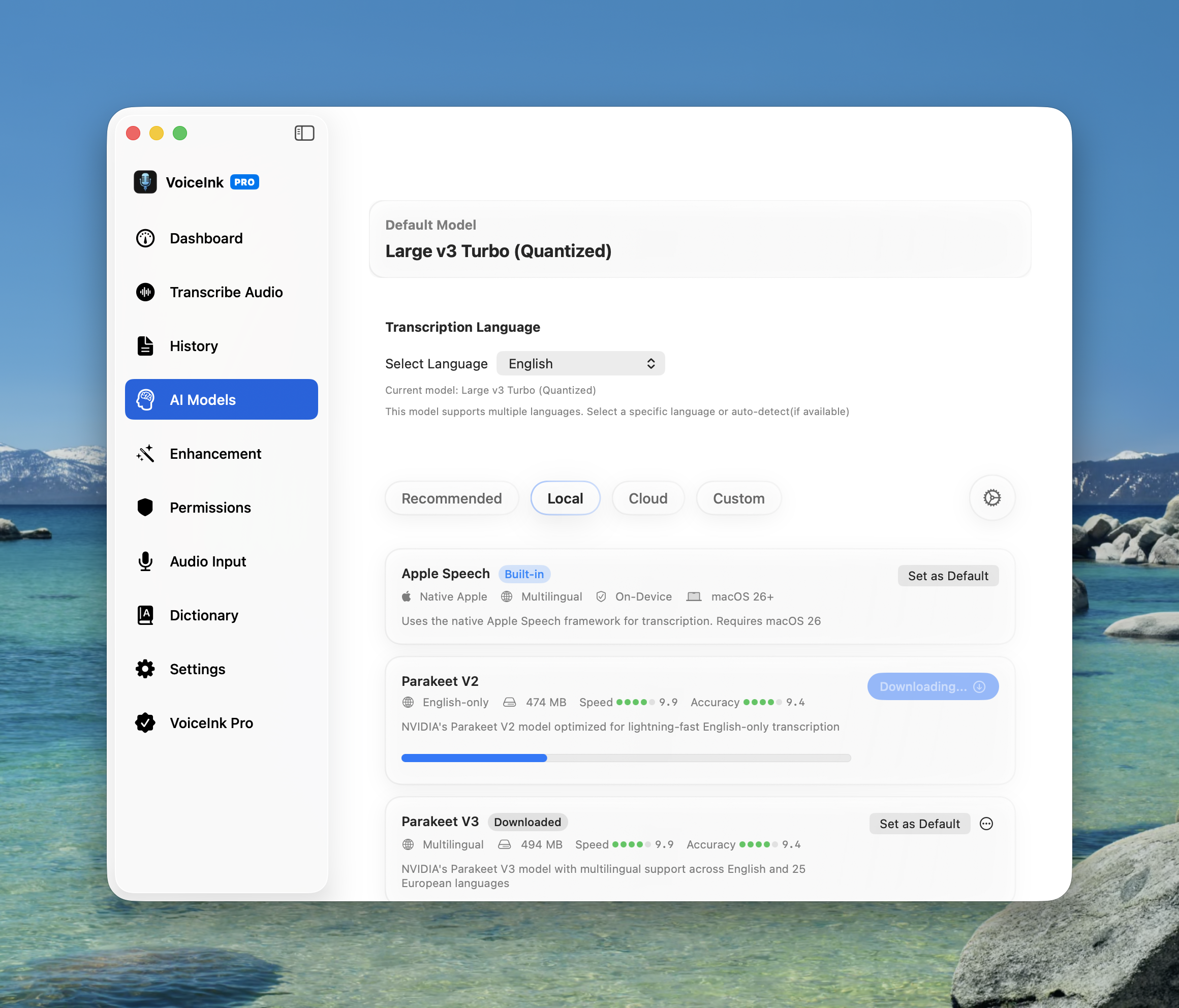
I found it to be working very well. It downloaded the same Parakeet model and thus it had similar transcription results. The interface was a bit less polished, but worked for me. So no reason to buy another subscription tool as this was more than enough for my use case. Another win for open source.
Key Insight:
When typing my words I tend to self-edit and compress my thoughts. I tend to cut corners, as typing takes (a lot of) effort. That effort was not quite visible to me. When I speak I can give the full picture without thinking too much about it. The result is a better prompt for a better AI output.