I wanted to know if my daily experiments were actually gaining any traction, so I tried to build my own LinkedIn analytics tool. It kind of worked, but then I found out something better.
Doing these experiments for a few weeks has already had a big impact, because I now default to action. I try something and force myself not to be perfect and accept the result.
When I meet people IRL, they compliment me on doing these AI experiments. It makes me feel good hearing this, but compliments don’t come with a CSV file to analyze.
So I decided to collect all of my LinkedIn data and have AI analyze it. I asked Codex to create a Docker-based tool. It worked, but without scraping the LinkedIn website I had to do a lot of manual work. And scraping my LinkedIn was something I did not dare to do, as I want to keep my personal account from being banned. It got the job done, but every data pull meant manual exports and file handling.
Around the same time, I kept seeing people use Claude Cowork for exactly this kind of use-case. So this seemed to be the perfect time to try this out as well. Another subscription to add to the pile, but I’ll take one for the team.
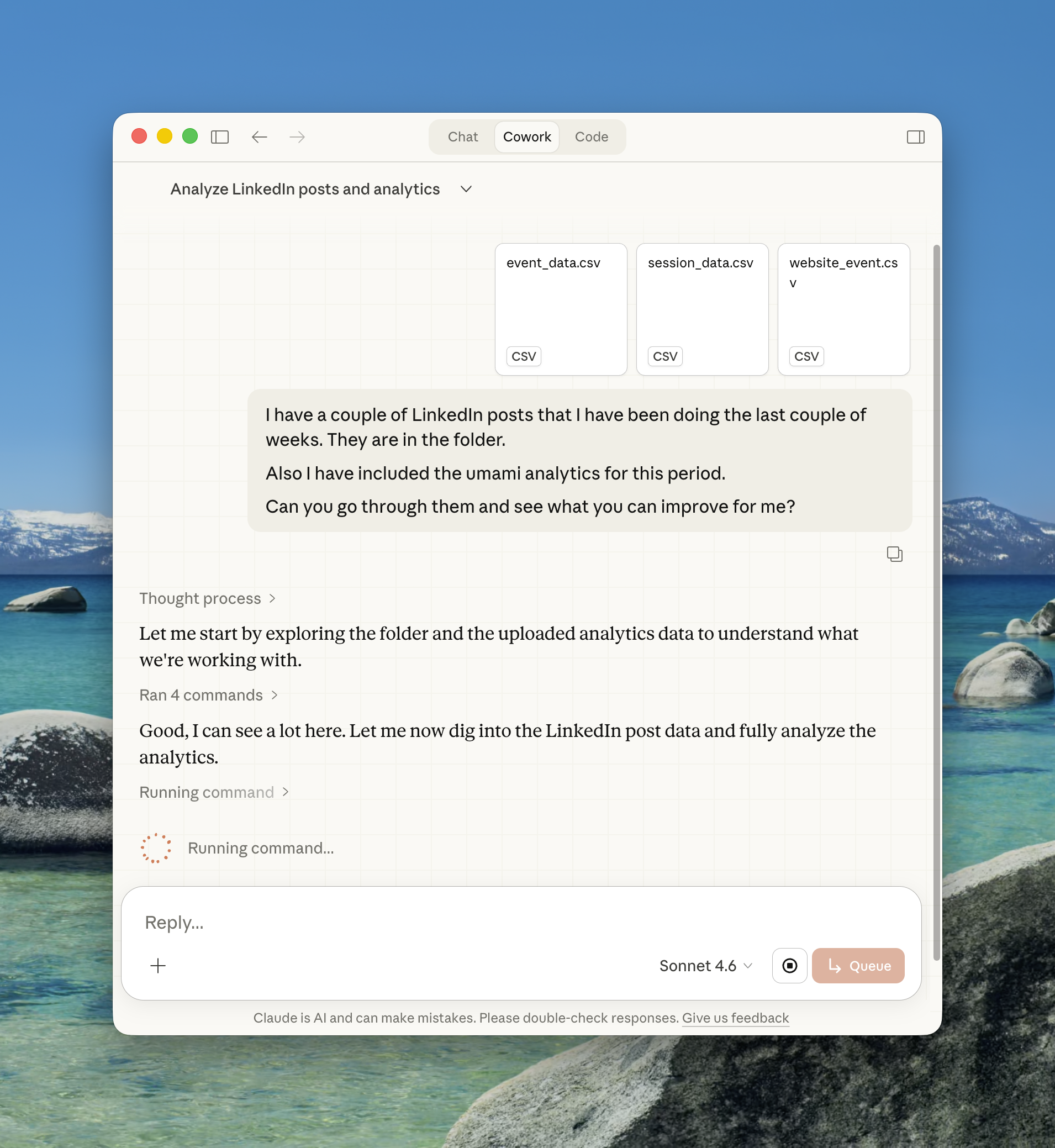
I got it running and asked Cowork to help me with the analytics and the LinkedIn statistic files. It started humming and after a few minutes the results were in. It created a well-formatted report in a .docx file that explained in detail what I could do to improve the metrics. One example being the time of my posts, which performed best and why it mattered.
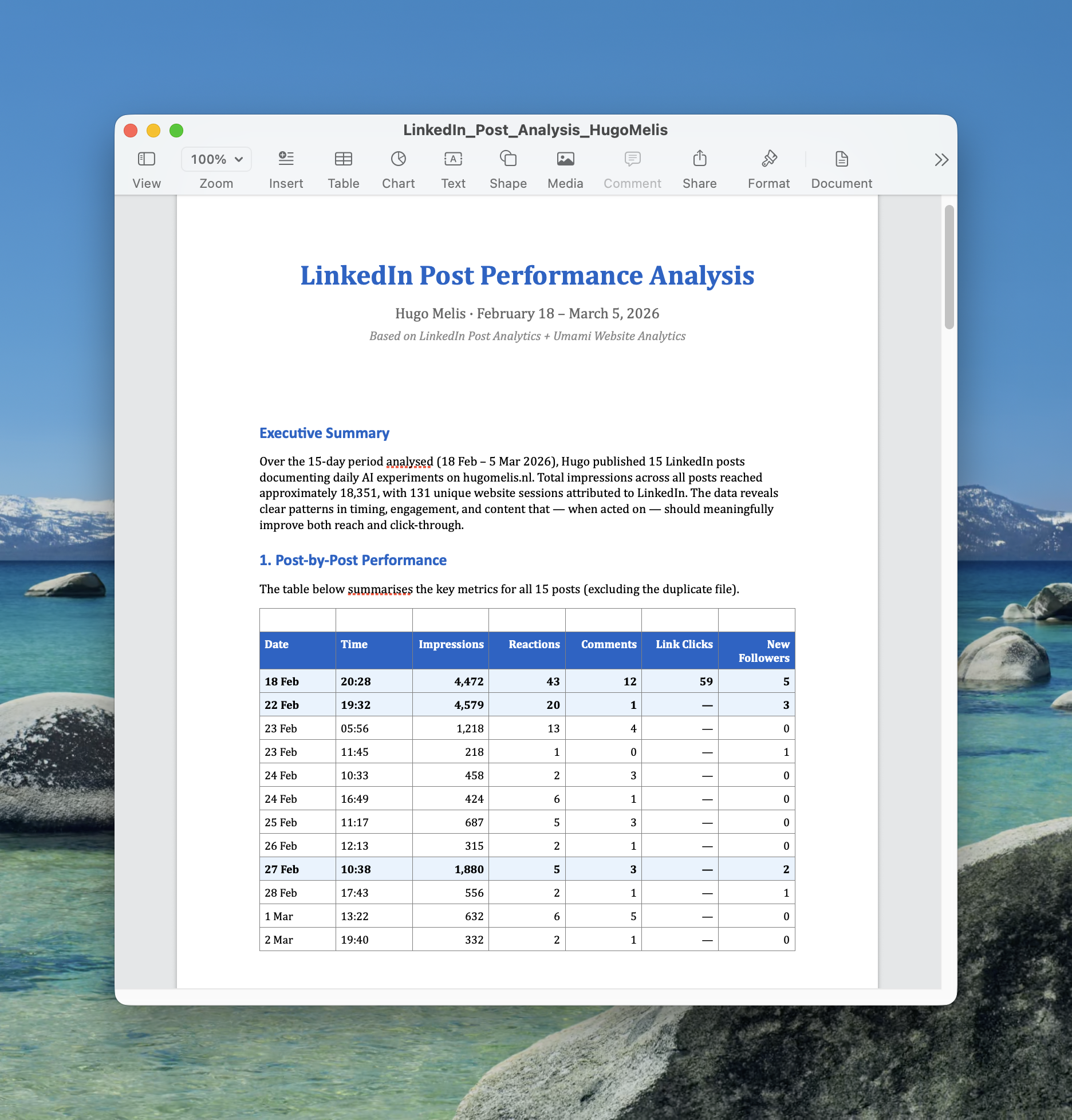
I was impressed by how detailed the report was. It gave me concrete changes to make: adjusting my posting time, sticking to one post per day, and adding UTM tags to track clicks.
Key Insight
Data doesn’t just confirm what’s working; it tells you what to change. The real challenge is actually making those changes, not just collecting the numbers.